


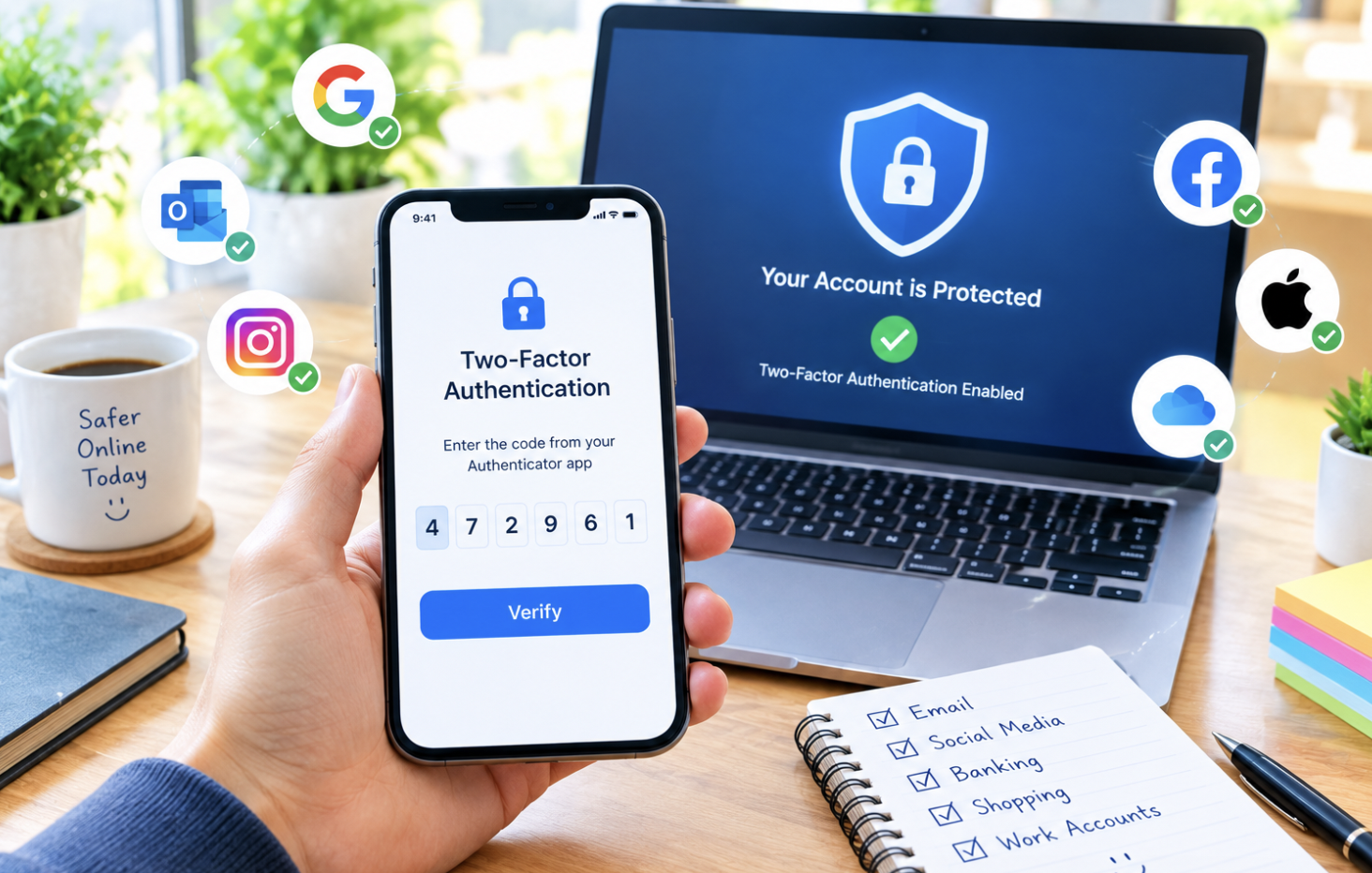
Passwords alone, no matter how strong or unique, represent a single point of failure for account security. If a password is stolen through a data breach, a phishing attempt, or simply guessed, that single piece of information is often all that stands between an attacker and full access to your account.
Two-step verification, sometimes called two-factor authentication, adds a second layer of protection that dramatically reduces this risk, and enabling it across your important accounts is one of the highest-value security steps most people can take with a relatively modest time investment.
What Two-Step Verification Actually Does
Two-step verification requires a second piece of proof beyond your password before granting access to an account, typically something you have, like your phone, rather than something you simply know, like a password. This means that even if someone obtains your password through a data breach or phishing attempt, they still can’t access your account without also having access to this second verification method, which is considerably harder for an attacker to obtain than a password alone.
This significantly raises the difficulty bar for unauthorized access, transforming what might otherwise be a single point of failure into a system requiring two separate pieces of information or access, one of which typically requires physical possession of a specific device.
The Different Types of Two-Step Verification
SMS-based verification, where a code is sent via text message to your phone, is the most common and accessible form, requiring no additional apps or setup beyond your existing phone number. While this is significantly better than no two-step verification at all, it’s generally considered the least secure option among common methods, since text messages can potentially be intercepted through a technique called SIM swapping, where an attacker convinces your mobile carrier to transfer your phone number to a device they control.
Authenticator apps, which generate time-based codes directly on your device without needing to send anything over a network, offer meaningfully better security than SMS verification, since there’s no message being transmitted that could potentially be intercepted. These apps work even without cell service or an internet connection, since the codes are generated locally using a shared secret established when you first set up two-step verification for that specific account.
Hardware security keys, physical devices you plug into a computer or tap against your phone, represent the strongest widely available option, since they require actual physical possession of the specific key itself, and are resistant to phishing attempts in a way that codes, whether from SMS or an authenticator app, technically aren’t, since a sufficiently sophisticated phishing attempt could potentially trick you into providing a time-sensitive code to an attacker in real time.
Push notification-based verification, where you simply approve or deny a login attempt through a notification on a trusted device, offers a convenient middle ground, combining reasonable security with less friction than manually entering a code each time.
Start With Your Most Critical Accounts
Rather than trying to enable two-step verification everywhere simultaneously, which can feel overwhelming, prioritizing your most critical accounts first ensures your most important security exposure is addressed quickly.
Your primary email account deserves particular priority, since email is frequently used as the recovery method for other accounts, meaning a compromised email account can cascade into compromising numerous other accounts through password reset requests.
Financial accounts, banking, investment platforms, and payment services, along with any account containing significant personal or financial information, should also be prioritized early, given the direct financial risk associated with unauthorized access to these specific accounts.
Set Up an Authenticator App
If you’re starting from scratch, setting up a dedicated authenticator app provides a meaningfully better security foundation than relying primarily on SMS verification. Several reputable authenticator apps are available for free, and the setup process for each new account you add typically involves scanning a QR code displayed during the account’s two-step verification setup process, which establishes the shared secret between your authenticator app and that specific account.
Once set up, the app generates a new time-based code every thirty seconds or so for each account you’ve added, and you simply enter the current code shown in the app when logging in after entering your password, adding that second verification step without requiring an internet connection or cell service at the moment of login.
Save Your Backup Codes Somewhere Secure
Most services offering two-step verification also provide backup codes, a set of one-time-use codes you can use to access your account if you lose access to your primary two-step verification method, your phone is lost or stolen, for example.
Saving these backup codes somewhere secure but accessible, a password manager with secure note storage, or a physically secured location if you prefer a paper backup, prevents a frustrating situation where you’re locked out of your own account with no way to verify your identity through the normal process.
Skipping this step is a common oversight that only becomes a problem at the worst possible moment, when you’ve actually lost access to your primary verification method and have no backup plan in place.
Consider a Hardware Security Key for Your Most Sensitive Accounts
For your most critical accounts, particularly primary email and any financial accounts, considering a hardware security key provides the strongest available protection against sophisticated phishing attempts specifically, which can potentially defeat SMS and authenticator app codes through real-time interception techniques that a hardware key’s cryptographic verification process is specifically designed to prevent.
This is a more significant investment of both money and initial setup effort compared to an authenticator app, making it most worthwhile for your highest-priority accounts rather than something necessarily required across every single account you maintain.
Enable It Across Your Broader Digital Life Gradually
Beyond your most critical initial accounts, gradually working through your other frequently used accounts, social media, shopping platforms, work-related accounts, and enabling two-step verification on each one meaningfully reduces your overall exposure across your entire digital footprint. This doesn’t need to happen all at once, treating it as an ongoing project you chip away at over the following weeks, rather than something you must complete immediately, makes the process considerably more manageable.
Some Friction Is Worth the Security Benefit
Two-step verification does add a small amount of friction to your login process, an extra ten to twenty seconds checking a code or approving a notification, and it’s worth reframing this minor inconvenience against the substantial security benefit it provides. Most services also offer an option to remember a trusted device for a defined period, reducing how often you need to complete the second verification step on devices you use regularly, which meaningfully reduces the ongoing friction while maintaining strong security for new or unrecognized login attempts.
Conclusion
Enabling two-step verification across your important accounts, prioritizing email and financial accounts first, choosing an authenticator app over SMS where available, saving backup codes securely, and gradually expanding coverage to your broader digital accounts, meaningfully reduces your vulnerability to the account compromises that have become increasingly common as data breaches continue affecting even well-established companies. This modest upfront investment of time provides a substantial, ongoing security benefit that a strong password alone simply can’t match on its own.
Frequently Asked Questions
1. Is SMS-based verification really that much worse than an authenticator app?
It’s meaningfully less secure specifically against sophisticated, targeted attacks involving SIM swapping, but it’s still dramatically better than having no two-step verification at all. For most people facing typical, opportunistic security threats rather than targeted attacks from a sophisticated adversary, SMS verification still provides substantial protection, though upgrading to an authenticator app where available is a reasonable additional improvement, particularly for your most sensitive accounts.
2. What happens if I lose my phone and haven’t saved backup codes?
This varies by service, but recovery typically becomes considerably more complicated, sometimes requiring identity verification through customer support, a process that can take significantly longer than simply using a saved backup code would have. This is exactly why saving backup codes in advance, before you actually need them, matters so much, since the alternative recovery process is generally slower and more frustrating.
3. Can two-step verification be bypassed by a sufficiently determined attacker?
No security measure is completely unbreakable against a sufficiently resourced and determined attacker, but two-step verification, particularly hardware security keys, dramatically raises the difficulty and cost of a successful attack compared to a password alone. For the vast majority of realistic threats most individuals face, opportunistic credential theft rather than highly targeted, resourced attacks, two-step verification provides substantial, meaningful protection.
4. Do I need to use the same two-step verification method for every account?
No, and in practice most people end up using a mix, an authenticator app for many accounts, a hardware key for a small number of the most sensitive ones, and possibly SMS for services that don’t support more secure options. Using the strongest available option for each specific account, rather than insisting on a single uniform method everywhere, is a reasonable and common approach.
5. Will enabling two-step verification protect me if my password manager itself is compromised?
This depends on your password manager’s own security setup, and enabling two-step verification on your password manager account itself, if it supports this feature, is particularly important given how much sensitive information a compromised password manager could expose. Treating your password manager as one of your highest-priority accounts for strong two-step verification, ideally a hardware key if supported, reflects how much is potentially at stake if that specific account were ever compromised.
