


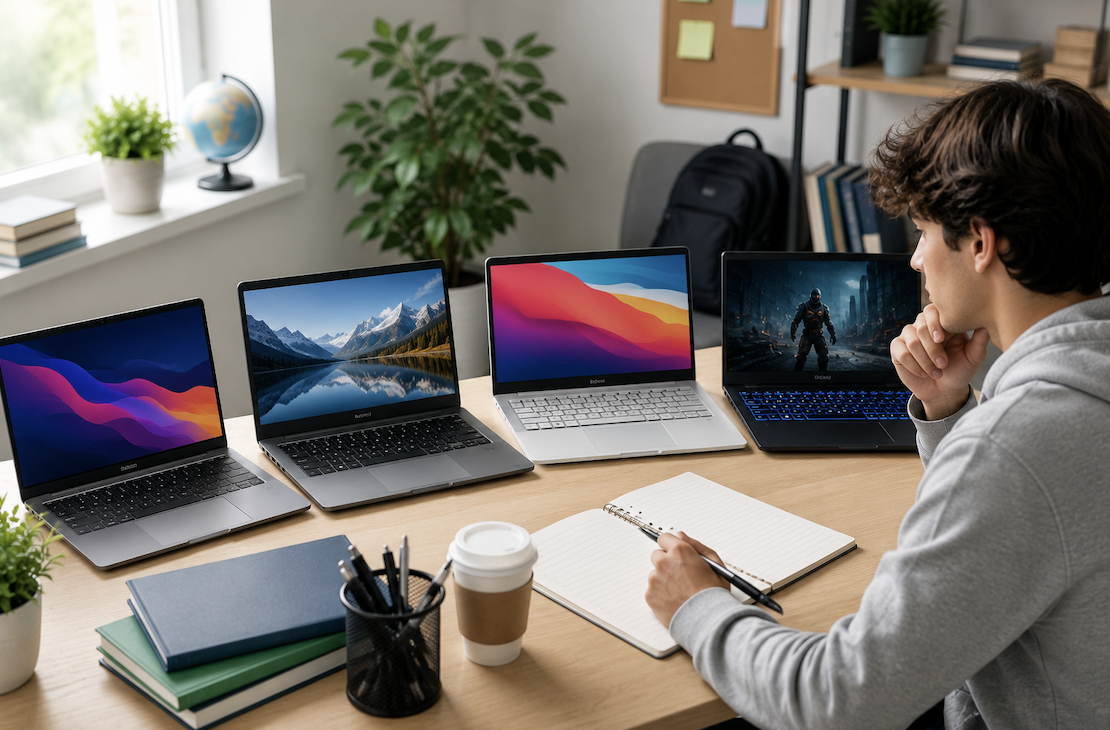
Shopping for a college laptop often turns into a confusing mix of marketing terms, wildly different price points, and well-meaning but conflicting advice from friends and family. The right choice depends far more on what you’ll actually be doing with it than on chasing the most powerful or most expensive option available. Understanding your real needs first makes the rest of the decision much simpler.
Start With Your Major and Coursework
The single biggest factor in choosing a laptop is what you’ll actually be using it for. Most majors, humanities, social sciences, business, education, and similar fields, have fairly modest computing needs: word processing, web browsing, email, video calls, and basic presentation software. For these needs, a mid-range laptop with decent everyday performance is more than sufficient, and there’s little benefit in paying extra for specs you won’t use.
Certain majors have genuinely higher demands. Computer science and engineering students often need more processing power and memory to run development environments, compilers, or simulation software smoothly. Design, film, and architecture students typically need a laptop capable of handling demanding creative software, often requiring a dedicated graphics card and a higher-resolution display for accurate color and detail work. If you already know your major and its typical software demands, researching what current students in that specific program recommend is more useful than generic laptop buying advice.
If you’re undecided or your major doesn’t have unusually demanding software requirements, a solid mid-range laptop covers the vast majority of coursework you’ll encounter across four years.
Decide Between Windows, Mac, and Chromebook
This choice often generates more passionate opinions than it deserves, but there are genuine practical differences worth considering. Windows laptops offer the widest range of price points and hardware options, along with the broadest compatibility with software your specific program might require, particularly for engineering, computer science, and certain business applications.
Mac laptops are popular in creative fields, design, film, and some computer science programs, partly due to certain industry-standard software running particularly well on macOS, and partly due to genuine build quality and battery life advantages. They typically cost more upfront than comparable Windows options.
Chromebooks are the most affordable option and handle basic tasks, web browsing, word processing through cloud-based tools, and video calls quite well. However, they’re poorly suited for coursework requiring specific desktop software, offline access to demanding applications, or programs common in more technical majors. Before choosing a Chromebook, confirm that your specific coursework doesn’t require software incompatible with its more limited operating system.
If you’re unsure, checking with your specific department or program, many universities publish recommended or required laptop specifications for incoming students in certain majors, removes a lot of the guesswork.
Prioritize Portability and Battery Life
College life involves carrying your laptop across campus regularly, often for full days between classes, the library, and study sessions. A laptop that’s excessively heavy or bulky becomes a genuine daily burden, while battery life that doesn’t comfortably last through a full day of classes means constantly hunting for outlets between lectures.
Look for a laptop in a reasonable weight range for regular carrying, generally under three to four pounds for comfortable daily use, and battery life that realistically covers eight or more hours under normal use, keeping in mind that manufacturer battery estimates are often optimistic compared to real-world performance with multiple browser tabs and background applications running.
Consider Storage and Memory Carefully
For most college coursework, sixteen gigabytes of memory has become a reasonable standard that comfortably handles multitasking between multiple browser tabs, word processing, and video calls without slowdown. Eight gigabytes can work for very basic use but may feel limiting by your later years as software and web browsers become more demanding.
For storage, a solid-state drive, rather than a traditional hard drive, offers significantly faster performance for everyday tasks like booting up and opening programs. Two hundred fifty-six gigabytes is a reasonable minimum for most students, though if you’ll be storing large files regularly, video projects, extensive design work, or large datasets, five hundred twelve gigabytes or more may be worth the additional cost, or you can supplement smaller internal storage with an external drive or cloud storage instead.
Don’t Overlook Build Quality and Durability
A college laptop needs to survive four years of regular transport in a backpack, use in libraries, dorm rooms, and lecture halls, and the general wear that comes with daily use by a busy student. Reading reviews specifically about build quality and durability, not just performance benchmarks, gives you a better sense of whether a laptop will hold up over the full stretch of your degree rather than needing replacement partway through.
A sturdy hinge, a keyboard that feels solid rather than flimsy, and a chassis that doesn’t flex noticeably under normal handling are all worth checking, ideally in person if you have the opportunity to test a laptop before purchasing.
Factor In Your Actual Budget Honestly
It’s easy to get pulled toward higher-end laptops with impressive specs, but for the majority of coursework, a well-chosen mid-range laptop performs just as well as a significantly more expensive option for everyday academic use. Setting a realistic budget based on your actual needs, rather than the most impressive available option, and researching well-reviewed laptops within that range typically serves students better than stretching for premium specs that go largely unused.
If your budget is genuinely tight, refurbished laptops from reputable manufacturers or certified refurbishment programs can offer solid performance at a meaningfully lower price than buying new, though it’s worth sticking to well-known refurbishment sources with warranty coverage rather than uncertain third-party sellers.
Check for Student Discounts
Many laptop manufacturers, along with software companies for products like Microsoft Office and Adobe Creative Suite, offer meaningful student discounts that can lower your total cost significantly. These discounts typically require verification of your student status through your school email address or a student verification service, and it’s worth checking for current student pricing before purchasing anything at full retail price.
Conclusion
Confirm any specific hardware or software requirements from your department or program. Decide between Windows, Mac, or Chromebook based on your major’s actual software needs. Prioritize a comfortable weight and realistic all-day battery life for regular campus use. Choose at least sixteen gigabytes of memory and a solid-state drive for reliable everyday performance. Research build quality and durability specifically, not just raw specs. And check for student discounts before finalizing your purchase.
The right laptop for college isn’t necessarily the most powerful or expensive option available, it’s the one that reliably handles your specific coursework, survives four years of regular use, and fits comfortably within your actual budget.
Frequently Asked Questions
1. Do I really need a laptop with a dedicated graphics card?
Only if your coursework specifically requires it, typically for design, video editing, engineering simulations, or certain computer science applications. For most majors, integrated graphics built into the main processor handle everyday tasks, including most streaming and casual use, perfectly well without the added cost and reduced battery life that comes with a dedicated graphics card.
2. Should I buy a laptop before starting college or wait until I know my specific coursework?
If your major and its software requirements are already clear, it’s reasonable to buy before arriving on campus, giving you time to get comfortable with the device. If you’re undecided about your major or unsure about specific program requirements, a solid mid-range laptop that handles general coursework well is a safe choice, since it will serve you fine unless you end up in a program with unusually demanding software needs.
3. Is it worth buying a laptop with a touchscreen or convertible design?
This comes down to personal preference and specific use cases rather than a clear necessity. Note-taking apps and certain creative work can benefit from touchscreen or stylus support, but it’s not essential for most coursework. If you don’t have a specific use case in mind, prioritizing core performance, battery life, and build quality over touchscreen functionality is generally the better use of your budget.
4. How long should a college laptop realistically last?
With reasonable care and a mid-range or better initial purchase, most laptops can comfortably last through a full four-year degree, and often longer. Choosing adequate memory and storage from the start, rather than the bare minimum, helps ensure the laptop continues performing well as software demands increase over your time in school.
5. Are extended warranties worth purchasing for a college laptop?
Given the amount of daily transport and use a college laptop typically experiences, an extended warranty or accidental damage protection plan is often a reasonable investment, particularly for laptops on the higher end of your budget. Compare the cost of the warranty against the manufacturer’s standard repair costs for common issues like screen or keyboard damage to judge whether it makes sense for your specific situation.
6. What’s a reasonable amount to budget overall for a college laptop?
This varies widely depending on major and personal preference, but many students find a solid, reliable laptop covering four years of general coursework in the mid-range price tier, well below the most premium options on the market. Spending more only makes sense when tied to a specific, confirmed need from your program rather than a general desire for the most powerful available machine.
