


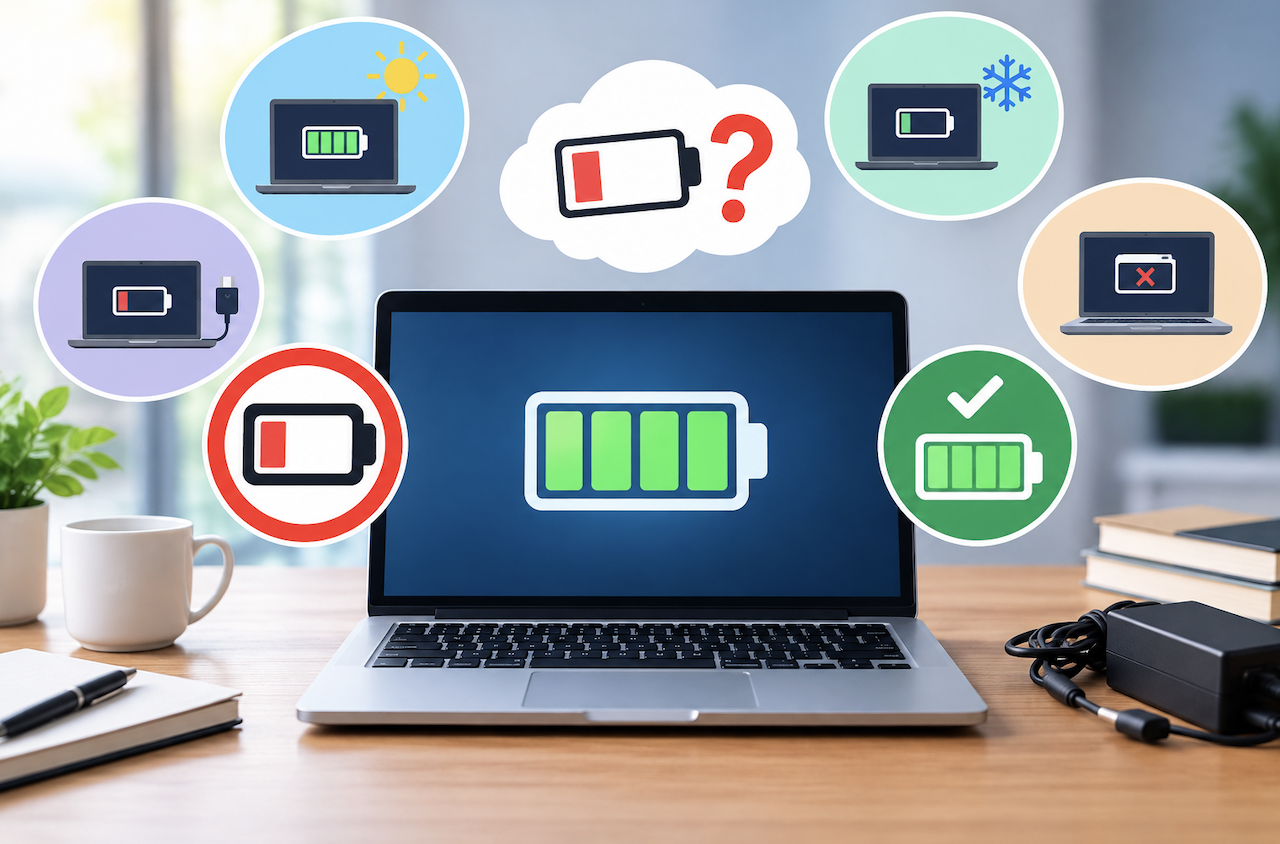
Laptop battery advice tends to get passed around informally, from well-meaning friends, old forum posts, and habits formed years ago when battery technology worked differently than it does today. A lot of this advice, while once genuinely useful, no longer applies to modern lithium-ion batteries, and following outdated practices can occasionally do more harm than good. Separating the actual science from persistent myths helps you get the most life out of your laptop’s battery.
Myth: You Should Always Let Your Battery Fully Drain Before Charging
This advice made sense for older nickel-based battery technology, which suffered from something called the memory effect, where the battery would “remember” a partial charge cycle and lose some effective capacity over time if not fully discharged periodically. Modern laptops use lithium-ion batteries, which don’t suffer from this same issue, and regularly draining them completely to near zero before recharging is actually somewhat harder on the battery’s long-term health, not beneficial.
For lithium-ion batteries, keeping your charge level generally between twenty and eighty percent, rather than constantly cycling between completely empty and completely full, tends to preserve battery capacity better over the long run, though this level of precision matters more for people specifically trying to maximize battery longevity than for typical everyday use.
Myth: You Should Never Charge Your Laptop Overnight
This concern stems from worries about overcharging causing battery damage or even safety hazards, but modern laptops include charging circuitry specifically designed to stop drawing additional charge once the battery reaches full capacity, preventing the overcharging that was a legitimate concern with older, less sophisticated battery management systems. Charging overnight with a modern laptop and its original or a genuinely compatible charger is generally safe from a pure safety standpoint.
That said, keeping a battery at one hundred percent charge for extended periods, which happens if you regularly leave it plugged in overnight and then continue using it while plugged in throughout the day, can contribute to somewhat faster capacity degradation over time compared to letting the charge level fluctuate more naturally. This isn’t a dramatic difference for most casual users, but it’s worth understanding if you’re specifically trying to maximize your battery’s long-term lifespan.
Myth: Closing Background Apps Always Significantly Extends Battery Life
While genuinely resource-intensive background applications can meaningfully impact battery life, the modern operating systems on most laptops are already quite sophisticated at managing background processes efficiently, suspending or limiting resources to apps that aren’t actively being used.
Obsessively closing every single background application manually often provides only marginal battery improvement compared to simply trusting your operating system’s built-in power management, and can occasionally cause more battery drain than it saves, since relaunching an app from a fully closed state sometimes uses more resources than resuming from an efficiently suspended background state.
Focusing on genuinely impactful factors, screen brightness, which is one of the largest single drains on battery life, and identifying any specific applications that are unusually resource-intensive through your system’s built-in battery or activity monitoring tools, tends to produce better results than a blanket policy of closing everything manually.
Myth: Using Your Laptop While It’s Charging Damages the Battery
This was a more legitimate concern with certain older laptop and battery designs, but modern laptops are generally designed to handle simultaneous charging and use without meaningful harm to battery health. The main consideration with using a laptop while charging is heat management rather than the battery itself, since running demanding tasks while charging can increase overall heat generation, and excessive heat over time is genuinely one of the more significant factors that degrades battery health regardless of whether you’re charging simultaneously.
Keeping your laptop’s vents clear and using it in a location with reasonable airflow matters more for long-term battery health in this context than avoiding use while charging entirely.
Myth: Third-Party Chargers Are Always Unsafe or Harmful
While it’s true that cheap, poorly made, or counterfeit chargers can pose genuine safety risks and potentially harm your battery through inconsistent or improper voltage delivery, a reputable third-party charger from a well-known manufacturer, matching your laptop’s required voltage and wattage specifications, is generally just as safe and effective as an original manufacturer charger. The actual risk comes specifically from cheap, poorly regulated chargers lacking proper safety certifications, not from third-party chargers as a broad category.
Checking for recognized safety certifications and verifying the charger’s specifications genuinely match your laptop’s requirements matters far more than simply avoiding all non-original chargers as a blanket rule.
Myth: Extreme Cold Temperatures Are Just as Harmful as Heat
Heat is genuinely one of the most significant factors in long-term battery degradation, and this concern is well-founded. Cold temperatures, while they can temporarily reduce a battery’s performance and apparent capacity while cold, don’t cause the same kind of lasting chemical degradation that sustained heat exposure does. A laptop battery that gets cold and then returns to normal temperature typically returns to its normal performance level, whereas heat damage accumulates more permanently over repeated exposure.
This doesn’t mean extreme cold is entirely harmless; very cold temperatures can cause a battery to shut down unexpectedly or charge improperly if it’s cold enough, but the long-term degradation concern is meaningfully more associated with heat than cold for most typical usage scenarios.
What Actually Matters for Battery Longevity
Given all of this, a few genuinely evidence-based practices matter more than most of the myths circulating online. Avoiding extreme heat exposure, direct sunlight, enclosed hot spaces, or blocked ventilation during demanding tasks meaningfully protects long-term battery health. Keeping your charge level in a moderate range rather than constantly cycling to full extremes, when practical for your usage patterns, provides a modest but real benefit. And using your laptop’s built-in battery health monitoring tools, available on most modern operating systems, to track actual capacity degradation over time gives you real data rather than relying on assumptions about what’s helping or harming your specific battery.
Conclusion
For most everyday users, the difference between following every battery myth diligently and simply using your laptop normally while avoiding obvious extremes, excessive heat, and constantly sitting at either zero or one hundred percent for extended periods, is relatively modest in practical terms. Rather than adopting rigid, restrictive habits based on outdated advice, focusing on the genuinely evidence-based practices above, while otherwise using your laptop the way that’s actually convenient for your life, provides a reasonable balance between battery longevity and practical usability.
FAQ’s
1. How can I check my laptop’s actual battery health rather than just its charge percentage?
Most modern operating systems include a built-in battery report or health monitoring tool that shows your battery’s current maximum capacity compared to its original design capacity, giving you a genuine measure of degradation over time rather than just the current charge level. Checking this occasionally, every few months, helps you understand how your specific battery is actually aging rather than relying on general assumptions.
2. Does fast charging damage my battery faster than slow charging?
Fast charging does generate somewhat more heat than slower charging, and heat is a genuine factor in long-term degradation, so relying on fast charging exclusively for every single charge may contribute to slightly faster wear over time compared to standard charging speeds. For occasional use when you genuinely need a quick charge, this isn’t a significant concern, but using standard charging speeds as your default when time isn’t a pressing factor is a reasonable precaution.
3. Is it bad to use my laptop plugged in all the time if I rarely travel with it?
If your laptop functions primarily as a stationary desktop replacement, using any built-in charge limiting feature to cap charging around eighty percent, if your laptop offers one, helps offset the mild degradation associated with sustained full charge. Without this feature, staying plugged in constantly isn’t dramatically harmful, but it will likely result in somewhat faster capacity loss over several years compared to a laptop that regularly cycles through a more moderate charge range.
4. How long should a laptop battery realistically last before needing replacement?
Most laptop batteries maintain reasonably useful capacity for two to four years of regular daily use, though this varies based on usage patterns, heat exposure, and the specific battery’s chemistry and quality. A battery holding significantly less charge than it used to after this timeframe is normal wear rather than necessarily a defect, though a replacement battery can restore much of your laptop’s original battery life if the rest of the hardware is otherwise still functioning well.
5. Should I worry about my laptop battery if I mostly use my laptop plugged into an external monitor at a desk?
Not particularly, beyond the same general considerations about avoiding extended periods at exactly one hundred percent charge if your laptop lacks a charge limiting feature. Using a laptop primarily as a desktop replacement is a common and entirely reasonable use case, and modern battery management systems handle this scenario without requiring any special additional precautions beyond what’s already covered above.

1 Comment
XFKRXsvAWTOHhuVQDywXcJq