


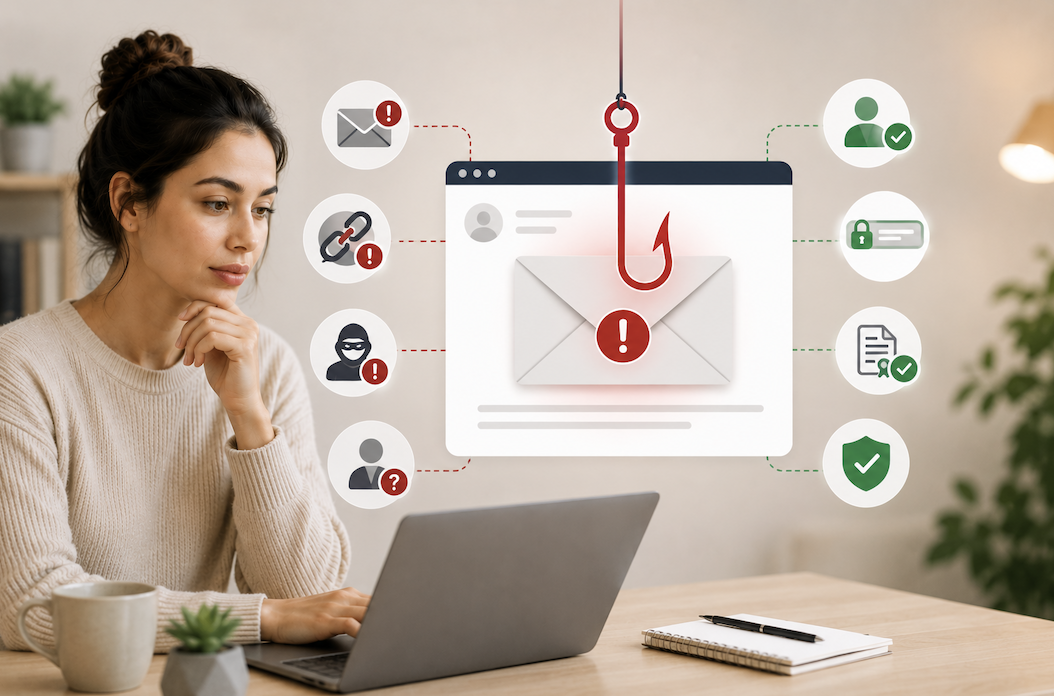
Phishing emails have gotten harder to spot over the years. The obvious scams with broken English and suspicious foreign lottery winnings still exist, but the ones causing real damage today are far more convincing, often mimicking real companies with accurate logos, professional formatting, and a tone that sounds legitimate. Learning to recognize the more subtle signs can protect you from having your accounts compromised, your money stolen, or your personal information exposed.
What Phishing Actually Is
Phishing is an attempt to trick you into revealing sensitive information, passwords, credit card numbers, social security numbers, or into taking an action that compromises your security, like clicking a malicious link or downloading infected software, by impersonating a trustworthy source. Most phishing arrives by email, but it also happens through text messages, phone calls, and social media messages, all using similar psychological tactics.
The goal is almost always to create a sense of urgency or fear that pushes you to act quickly, before you’ve had time to think critically about whether the message is actually legitimate.
Check the Actual Sender Address, Not Just the Display Name
One of the simplest and most reliable checks is looking at the actual email address behind the display name, not just the name shown in your inbox. Email clients often show a friendly name like “Amazon Support” even when the underlying address is something completely unrelated and suspicious looking. Tap or hover over the sender’s name to reveal the full email address, and look closely at the domain, the part after the @ symbol.
Scammers often use domains that look similar to the real company at a glance but contain subtle misspellings, extra characters, or an entirely different domain extension. A message claiming to be from your bank but sent from an address ending in something unrelated to your bank’s actual domain is an immediate red flag.
Look Closely at Links Before Clicking
Never click a link in an email you’re even slightly unsure about without first checking where it actually leads. On a computer, hovering your mouse over a link, without clicking, typically shows the actual destination URL in the bottom corner of your browser or email client. On a phone, holding your finger on a link, without releasing, often shows a preview of the destination.
Look for the same warning signs as with sender addresses, misspelled domains, unusual extensions, or a URL that has nothing to do with the company the email claims to be from. If a link looks even slightly off, don’t click it. Instead, navigate directly to the company’s website by typing the address yourself or using a bookmark you know is legitimate.
Notice the Urgency and Fear Tactics
Phishing emails rely heavily on urgency because urgency short-circuits careful thinking. Common phrases include warnings that your account will be suspended within hours, that suspicious activity has been detected and requires immediate verification, or that a payment failed and needs to be updated right away to avoid a service interruption.
Legitimate companies do send real notifications about account issues, but they rarely demand action within an unreasonably short window or threaten immediate, severe consequences for not clicking a link right away. When you feel a jolt of urgency reading an email, that’s precisely the moment to slow down rather than react immediately.
Be Suspicious of Unexpected Attachments
An unexpected attachment, particularly one you weren’t anticipating from a sender you don’t immediately recognize, deserves real caution before opening. This applies even if the email appears to come from someone you know, since scammers frequently spoof or compromise legitimate email accounts to send malicious attachments that appear to come from a trusted contact.
If you receive an unexpected attachment from someone you know, especially one with an unusual file type or a generic, vague message accompanying it, it’s worth confirming through a separate channel, a text message or phone call, that they actually sent it before opening anything.
Check for Generic Greetings and Inconsistent Details
Many phishing emails use generic greetings like “Dear Customer” or “Dear User” rather than your actual name, since large-scale phishing campaigns are often sent to thousands of addresses at once without personalization. Legitimate companies you have an actual account with typically address you by name in official communications.
Beyond the greeting, look for inconsistencies throughout the email: a company logo that looks slightly off, unusual formatting, a signature that doesn’t match the company’s typical communication style, or a reply-to address that differs from the sending address. Individually, any one of these might have an innocent explanation, but multiple inconsistencies together are a strong signal something isn’t right.
Verify Requests for Sensitive Information Independently
Legitimate companies and financial institutions essentially never ask you to provide your full password, social security number, or complete credit card number through email. If an email asks for this kind of sensitive information directly, treat it as a strong red flag regardless of how convincing the rest of the message looks.
If an email claims to be from your bank, employer, or a service you use, and it’s asking you to verify information or take an urgent action, the safest approach is closing the email entirely and contacting the organization directly through a phone number or website you already know is legitimate, not through any contact information provided in the suspicious email itself.
What to Do If You Suspect a Phishing Email
If you receive a suspicious email, don’t click any links or download any attachments. Most email providers offer a way to report phishing directly, which helps improve spam filtering for you and others. If the email claims to be from a company you actually have an account with, log into your account separately by navigating to the site directly, not through any link in the email, to check for any real notifications or account activity.
If you’ve already clicked a suspicious link or entered information before realizing something was wrong, change your password immediately for that account and any other accounts using the same or similar passwords, and monitor the affected account closely for unauthorized activity over the following weeks.
Conclusion
The most effective long-term protection against phishing isn’t a single technical trick, it’s building a general habit of pausing before clicking on anything in an unexpected email, especially one creating a sense of urgency. Taking even ten extra seconds to check the sender’s actual address, hover over a link, and ask yourself whether the request makes sense catches the vast majority of phishing attempts before they cause any real harm.
Phishing tactics will keep evolving, but the underlying pattern, impersonation combined with urgency, remains consistent. Recognizing that pattern is the single most valuable skill in protecting yourself, more valuable than any specific technical detail about how to spot a fake domain or suspicious attachment.
- Read more about Newspinup!
Frequently Asked Questions
1. Can phishing emails really look identical to legitimate company emails?
Yes, sophisticated phishing attempts can closely copy a real company’s logo, color scheme, and formatting, making visual appearance alone an unreliable way to judge legitimacy. This is exactly why checking the actual sender address and hovering over links matters more than how polished or official an email looks.
2. What should I do if I accidentally clicked a phishing link but didn’t enter any information?
Close the page immediately without entering anything. It’s also a good idea to run a security scan on your device in case the link attempted to download something automatically, and keep an eye on your accounts for any unusual activity over the following days as an extra precaution.
3. Are phishing attempts only sent by email, or should I watch for other channels too?
Phishing happens across text messages, often called smishing, phone calls, sometimes called vishing, and social media messages as well. The same core principles apply across all of these channels: be suspicious of urgency, verify independently rather than trusting contact information provided within the suspicious message, and never provide sensitive information without confirming legitimacy first.
4. How can companies send emails that look like they’re from a trusted sender if they’re not?
This is called email spoofing, and it exploits weaknesses in how email addresses can be displayed versus how they’re actually routed. This is exactly why checking the full email address, not just the display name, is such an important habit, since the display name can be set to anything regardless of the actual sending address behind it.
5. Is it safe to reply to a suspicious email asking them to prove their identity?
No, it’s best not to reply at all. Replying confirms to a scammer that your email address is active and monitored, which can lead to more targeted attempts in the future. If you want to verify whether a message is legitimate, contact the organization directly through a phone number or website you already know is authentic, rather than responding to the suspicious email itself.
6. Should I use a password manager as part of protecting myself from phishing?
Yes, this is genuinely one of the more effective indirect defenses available. A password manager will only auto-fill your credentials on the actual legitimate website it has saved, not on a convincing fake site with a slightly different domain, which means it can catch a phishing attempt even in a moment when you might have been fooled visually.
