


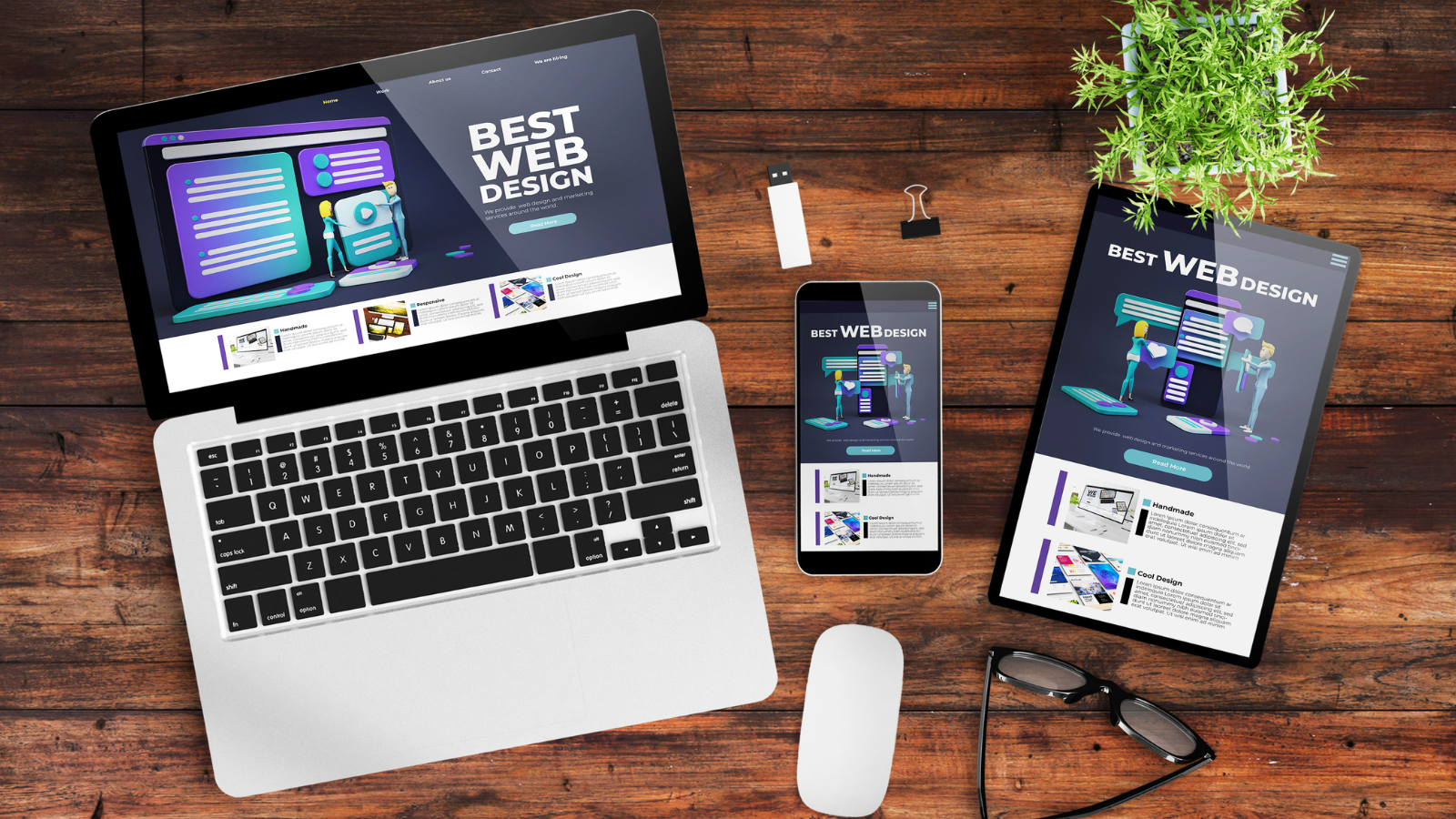
Pxless is a modern web design approach that minimizes or eliminates the use of fixed pixel units. Instead, it embraces flexible and scalable measurement units such as percentages, rem, em, vw, and vh. This methodology allows websites to adapt naturally to different screen sizes, creating a more responsive and user-friendly experience.
What Is Pxless and Why Is It Important in Modern Web Design?
Pxless refers to a design and development philosophy that avoids relying on fixed pixel measurements. Rather than defining elements with rigid dimensions, developers use relative units that scale according to screen size, user preferences, and device capabilities.
The importance of Pxless lies in its ability to create adaptable layouts. Instead of forcing users to fit into a predetermined design, the design adjusts itself to fit the user’s device.
Understanding the Difference Between Pxless and Traditional Pixel-Based Design
Traditional pixel-based design uses exact measurements such as:
- Width: 300px
- Font-size: 16px
- Margin: 20px
While this approach provides precision, it often creates limitations on devices with different screen sizes and resolutions.
Pxless design replaces fixed measurements with scalable alternatives such as:
- Width: 50%
- Font-size: 1rem
- Margin: 2vw
As a result, content adjusts dynamically rather than remaining fixed.
How Pxless Design Works in Responsive Web Development
Responsive web development focuses on creating websites that function properly across various devices.
Pxless supports responsive design by allowing elements to scale proportionally. For example:
- Text adjusts according to user settings.
- Containers expand or contract based on screen width.
- Images resize without breaking layouts.
- Spacing remains consistent across devices.
This adaptability ensures that users enjoy a consistent browsing experience regardless of the device they use.
The Core Principles Behind the Pxless Approach
Several principles guide successful Pxless implementation:
Flexibility
Layouts should adjust naturally without requiring manual resizing.
Scalability
Elements must scale smoothly across different resolutions.
Accessibility
Users should be able to customize text sizes and viewing preferences.
Device Independence
Designs should work effectively on any screen size.
Future Compatibility
Websites should remain functional as new devices emerge.
Relative Units Used in Pxless Design
The foundation of Pxless design relies on relative CSS units.
Percentage (%)
Percentages define dimensions relative to parent elements.
Example:
Width: 80%
REM
REM units scale relative to the root font size.
Example:
Font-size: 1.5rem
EM
EM units scale relative to the parent element’s font size.
Example:
Padding: 2em
VW (Viewport Width)
One VW equals one percent of the viewport width.
Example:
Width: 50vw
VH (Viewport Height)
One VH equals one percent of the viewport height.
Example:
Height: 100vh
These units help create truly fluid layouts.
Key Benefits of Using Pxless Layouts
Pxless offers numerous advantages for both developers and users.
Better Responsiveness
Layouts adapt automatically across devices.
Improved Accessibility
Users can customize text sizes more effectively.
Reduced Maintenance
Developers spend less time creating device-specific adjustments.
Enhanced User Experience
Content remains readable and visually appealing.
Future-Proof Development
Websites are better prepared for emerging technologies.
Why Modern Developers Are Moving Away from Fixed Pixel Units
The digital landscape has changed significantly over the past decade.
Users access websites from:
- Smartphones
- Tablets
- Laptops
- Desktops
- Smart TVs
- Foldable devices
Fixed pixel measurements often struggle to accommodate such diversity.
Pxless design offers a more practical solution by embracing fluidity rather than rigidity.
Pxless vs Responsive Design: Are They the Same Thing?
Although closely related, Pxless and responsive design are not identical.
Responsive design is a broader concept focused on adapting layouts to different devices.
Pxless is a specific technique that helps achieve responsiveness by reducing reliance on fixed pixels.
In other words, Pxless can be considered a powerful tool within the broader responsive design strategy.
How Pxless Improves User Experience Across Different Devices
User experience depends heavily on readability, navigation, and usability.
Pxless contributes to these areas by:
- Preventing horizontal scrolling.
- Maintaining readable typography.
- Optimizing spacing and layout consistency.
- Reducing visual clutter.
- Supporting accessibility preferences.
The result is a smoother and more enjoyable browsing experience.
Implementing Pxless Design in CSS
Developers can begin transitioning to Pxless by replacing fixed pixel values with relative units.
Traditional CSS:
font-size: 16px;
Pxless Alternative:
font-size: 1rem;
Traditional CSS:
width: 1200px;
Pxless Alternative:
width: 90%;
max-width: 75rem;
Combining CSS Grid and Flexbox further enhances Pxless layouts.
Common Challenges of Pxless Development and How to Solve Them
While Pxless offers many benefits, developers may encounter certain challenges.
Learning Curve
Solution:
Understand how relative units behave in different contexts.
Layout Testing
Solution:
Test websites across multiple screen sizes.
Typography Scaling
Solution:
Use REM units for consistent font scaling.
Complex Components
Solution:
Combine relative units with flexible layout systems such as Grid and Flexbox.
Best Practices for Building Fully Adaptive Pxless Interfaces
To maximize results, developers should follow these practices:
- Use REM for typography.
- Use percentages for container widths.
- Utilize Flexbox and CSS Grid.
- Test on multiple devices.
- Prioritize mobile-first development.
- Avoid excessive fixed dimensions.
- Optimize images for responsiveness.
These techniques create more reliable and scalable interfaces.
SEO Benefits of Pxless and Mobile-First Web Design
Search engines increasingly prioritize user experience and mobile usability.
Pxless contributes to SEO by:
- Improving mobile responsiveness.
- Enhancing user engagement.
- Reducing bounce rates.
- Supporting accessibility standards.
- Creating better Core Web Vitals performance.
When users can easily interact with content, search engines are more likely to view the website favorably.
Popular Frameworks and Tools That Support Pxless Development
Many modern frameworks encourage Pxless principles.
Examples include:
- Bootstrap
- Tailwind CSS
- Foundation
- Bulma
- Material UI
These frameworks provide responsive utilities and scalable components that simplify Pxless implementation.
The Future of Pxless Design in Web and App Development
As technology continues to evolve, flexibility will become even more important.
Future devices may include:
- Advanced foldable screens
- Wearable displays
- Mixed reality interfaces
- Smart home displays
- Automotive dashboards
Pxless design provides the adaptability needed to support these emerging technologies.
Organizations that embrace scalable design practices today will be better prepared for tomorrow’s digital experiences.
Conclusion
Pxless represents a significant shift in how websites and applications are designed. By reducing reliance on fixed pixel values and embracing scalable units, developers can create interfaces that adapt naturally to any device or screen size.
Frequently Asked Questions About Pxless
Is Pxless better than using pixels in CSS?
Pxless is often better for responsive and adaptive design because it allows layouts to scale naturally across different devices and screen sizes.
What units are commonly used in Pxless design?
The most common units include percentages (%), rem, em, vw, and vh.
Can Pxless improve website responsiveness?
Yes. Pxless helps websites adapt smoothly to varying screen sizes without relying heavily on media queries.
Does Pxless affect SEO rankings?
Indirectly, yes. Better responsiveness and user experience can contribute to improved SEO performance.
Is Pxless suitable for mobile-first development?
Absolutely. Pxless aligns perfectly with mobile-first design strategies by prioritizing flexibility and scalability.
How do developers convert pixel-based designs into Pxless layouts?
Developers typically replace fixed pixel values with relative units such as rem, percentages, vw, and vh while utilizing flexible layout systems like CSS Grid and Flexbox.
